
 Free Delivery & Return
 365-Day Returns
 10 Million Happy Customers
 500,000 Products in Stock


Office Chairs (572)


Office Chairs
Reviewed by the Beliani Content Team · Updated November 2026
An office chair is one of the few pieces of furniture you use every working day, often for several hours at a stretch, so the wrong one shows up quickly as a stiff back or a sore neck. The right choice depends on how you work: a full day at a desk calls for different support than a few hours at a laptop or a long gaming session. This guide helps you match the chair type, upholstery and key features to how you actually sit.
In short
Which office chair should you choose?
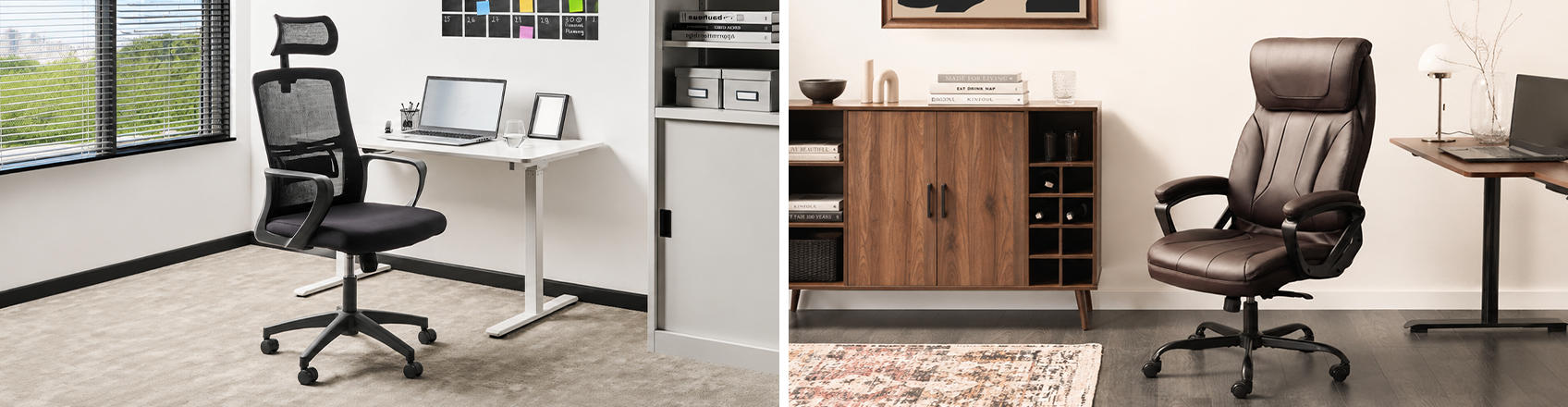
Match the chair to a desk around 72 cm high and look for a seat height that adjusts somewhere in the 38–50 cm range, along with adjustable lumbar support and a five-point castor base. A home office or desk chair suits up to around four hours of daily use, a professional chair with full ergonomic adjustment suits a full working day, and a high-back gaming or executive chair adds extra head and neck support for long sessions.
- How many hours a day you spend seated
- Your height and body size relative to the seat dimensions
- Whether the chair sits on carpet or a hard floor
- Whether more than one person will use the same chair
What are the different types of office chairs?
Home office chairs
A home office chair with adjustable height suits a desk used for part of the day, combining practicality with a design that fits into a living space rather than a dedicated office. The swivel function makes it easy to turn between a desk and other parts of the room, and the height adjustment lets you match the seat to your desk.
Shop now: Home office chairs
Professional chairs
Professional office chairs combine ergonomic lumbar support with a wide, supportive seat, which helps maintain good posture during extended working hours. A wide seat gives more room to shift position through the day and suits a broader range of body sizes.
Shop now: Professional office chairs
Gaming chairs
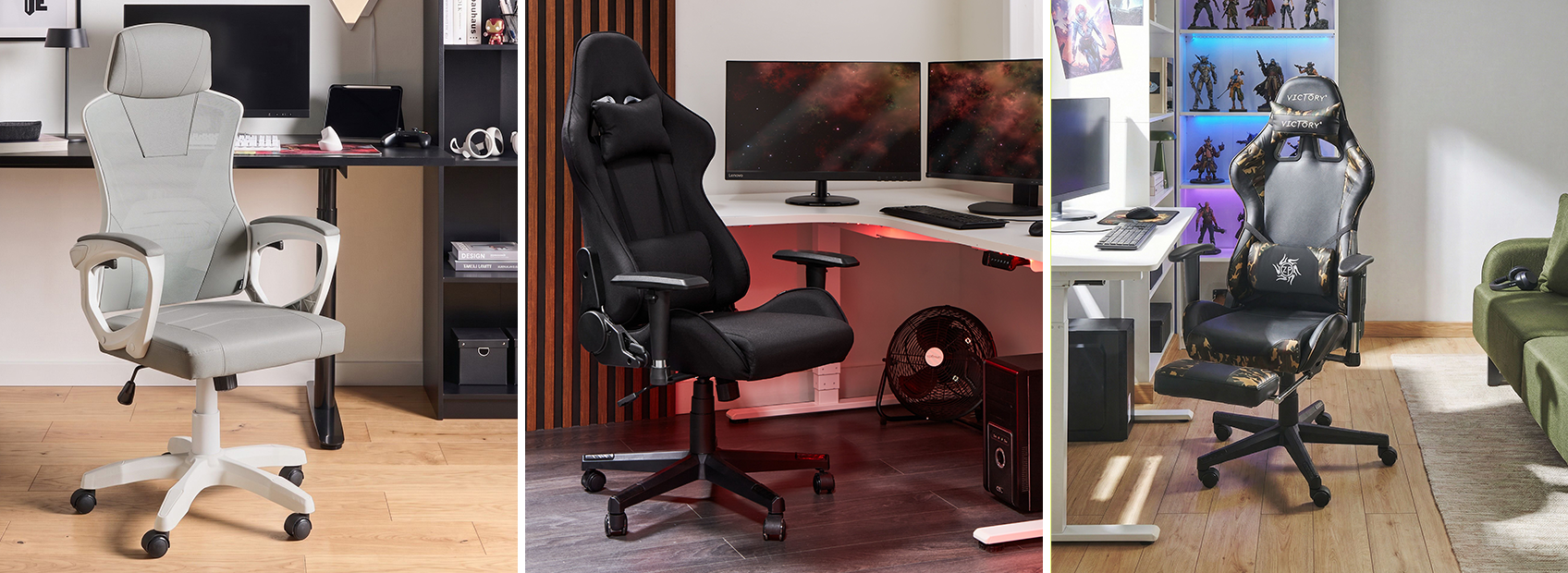
Gaming chairs add features built for long sessions in one position. Adjustable armrests let you set the height and angle to suit your desk, and a high backrest supports your back and neck through the full recline range. Many models also include a pull-out footrest for stretching out between sessions.
Shop now: Gaming chairs
Which upholstery suits your office chair best?
Each upholstery brings its own balance of comfort, maintenance and daily feel, so the right one depends on your room and how long you sit each day.
Faux leather office chairs
Faux leather gives a sleek, polished look that suits a professional setting. It wipes clean easily, so spills rarely leave a mark. It can feel warm after long periods in a heated room, so a chair with ventilated padding or a breathable backrest insert is worth considering if you sit for hours at a time.
Office chairs in fabric
Fabric upholstery adds a softer texture and comes in a wide range of colours, so it is easy to match to most room styles. It breathes well, which suits long sitting sessions, though it is more prone to staining and wear than faux leather over time. Following the manufacturer's cleaning guidance helps the fabric keep its look for longer.
Office chairs with mesh
Mesh keeps air moving around your back, which helps during long working hours in a warm room. It gives a modern look and avoids the heat build-up of fully padded seating, though it has less cushioning than a padded seat. A chair that combines a mesh backrest with a padded seat often balances ventilation with comfort.
| Upholstery | Maintenance | Breathability | Best for |
|---|---|---|---|
| Faux leather | Wipes clean easily, resists stains | Can feel warm over long sessions | Professional settings, shared or guest use |
| Fabric | Needs regular vacuuming, can stain | Breathes well | Matching the chair to the room's colour scheme |
| Mesh | Wipes clean, resists staining | Best airflow of the three | Warm rooms and long daily sitting sessions |

Which features matter most in an office chair?
A few adjustments make the biggest difference to comfort over a full working day.
Height
Seat height
Adjust the seat within the chair's 38–50 cm range until your feet sit flat on the floor and your forearms rest level with the desktop.
Fit
Seat depth and width
Leave a gap of two to three finger widths between the seat edge and the back of your knees, with enough width that the seat supports your hips without pressing your thighs.
Support
Lumbar support
An adjustable lumbar pad should sit in the inward curve of your lower back, holding that curve through a full day at the desk rather than letting it flatten.
Comfort
Armrests
Armrests that adjust in height, and ideally width, let your shoulders drop and your arms rest close to your sides instead of hunching toward the desk.
Movement
Tilt and recline
A tilt lock lets you recline for a call or a break while the backrest keeps supporting you, rather than losing that support the moment you lean back.
Lifespan
Durable materials
The gas lift, castors and seat foam carry the most daily wear, so their build quality is what decides whether the chair still feels right in five years.

What to check before buying
Before you add an office chair to your basket, work through these checks in order.
- Measure your desk height and confirm the chair's seat-height range matches it
- Check the seat depth and width against your own body size, not just the chair's overall dimensions
- Confirm the chair has adjustable lumbar support, or plan to add a cushion if it does not
- Choose the upholstery based on your room temperature and how many hours you sit each day
- Match the castor type to your flooring, hard castors for carpet and soft castors for hard floors
- Check the listed weight capacity suits the heaviest regular user
Frequently asked questions
Is a headrest essential on an office chair?
A headrest is not essential, but it helps if you lean back often or spend long stretches on calls. It is most useful on chairs with a recline function, since it supports your neck when the backrest is tilted. For upright, task-focused sitting, a well-shaped backrest without a headrest works just as well.
How long does a good office chair typically last?
A well-made office chair used daily typically lasts five to ten years before the gas lift, castors or foam start to wear noticeably. Chairs used for a few hours a day, such as occasional home office use, tend to last towards the longer end of that range. Replacing worn castors or a sagging gas lift can extend a chair's life without buying a new one.
Do I need different office chair castors for carpet and hard floors?
Yes, standard hard castors are designed for carpet and grip poorly or mark hard floors such as wood, laminate or tile. Soft rubber castors are made for hard floors and roll smoothly without scratching the surface. If you are unsure which floor the chair will sit on most, a chair mat lets standard castors work safely on either.
Is a higher price always a sign of better ergonomics?
No, price often reflects materials and brand rather than ergonomic quality alone. Some mid-range chairs offer proper lumbar support and full height adjustment, while some expensive chairs focus on looks over adjustability. Check the specific adjustments on offer, such as seat depth, armrest height and lumbar support, rather than judging by price.
Can one office chair suit several people who share a desk?
A shared chair works well as long as it has a wide seat-height range, adjustable armrests and, ideally, adjustable seat depth. The bigger the difference in height between users, the more adjustment range the chair needs to cover both comfortably. If the users differ greatly in height or weight, two separate chairs set up for each person usually works better than one compromise chair.